

AI in Design: Where It Helps and Where Humans Lead

Brandhero Team
Explore how AI enhances design processes, from research to prototyping, while emphasizing the irreplaceable role of human judgment in strategic and empathetic design decisions.
Final rewrite
The debate over AI in design has moved on. We're done asking if robots will take our jobs. The real question is practical: where does this stuff actually help, and where does it just get in the way?
At Brandhero Design, we've been testing these tools on real client work. The agencies thriving right now aren't the ones blindly adopting every "revolutionary" platform. They are the pragmatists who know exactly where the machine ends and the human begins.
What AI Actually Does Well
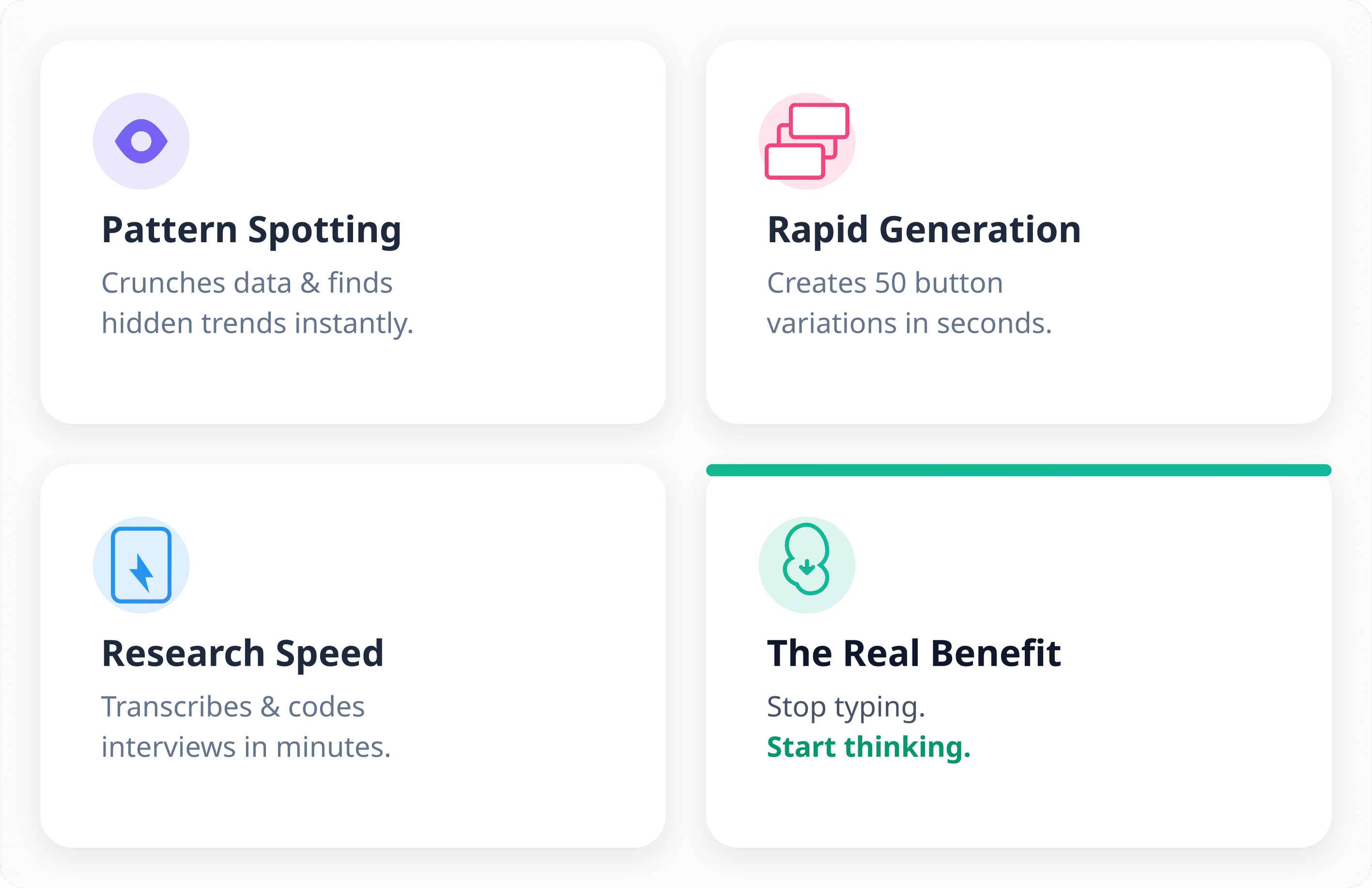
AI is good at grunt work. It crunches data. It finds patterns in user research that might take a human a week to spot. It generates fifty variations of a button in seconds.
Take research analysis. A researcher used to spend days transcribing and coding interviews. AI does that in minutes now. This doesn't mean the research is better. It means the researcher can stop typing and start thinking. You get to reallocate your attention to the work that actually requires a brain.
Design systems benefit, too. Tools can suggest component variations based on your existing patterns. They can flag accessibility issues before development touches them. For teams managing complex products, this saves real time.
But AI is an assistant, not a lead designer. It handles the repetition so you can focus on strategy, stakeholder management, and the problem-solving that defines good UX.
Where Human Judgment Is Non-Negotiable
Some parts of design stubbornly resist automation.
Empathy is the wall AI can't climb. It sees a user drop off a page. It cannot feel the frustration of a parent trying to book a flight while a toddler screams. A human designer reads between the lines of feedback. We hear what users are too polite to say. That matters when you're designing for high-stakes moments.
Strategic alignment is another blind spot. AI optimizes the metric you give it. If you tell it to increase sign-ups, it might trick users into signing up. It won't ask if that destroys brand trust. A human designer asks, "Is this the right metric?" That is a business decision, not a math problem.
Cultural context is the third rail. Models trained on Western data suggest Western patterns. They miss the nuance. We work with clients globally, and we've seen AI suggest layouts that would confuse users in specific regions. You need humans to catch that.
Building an AI-Enhanced Workflow
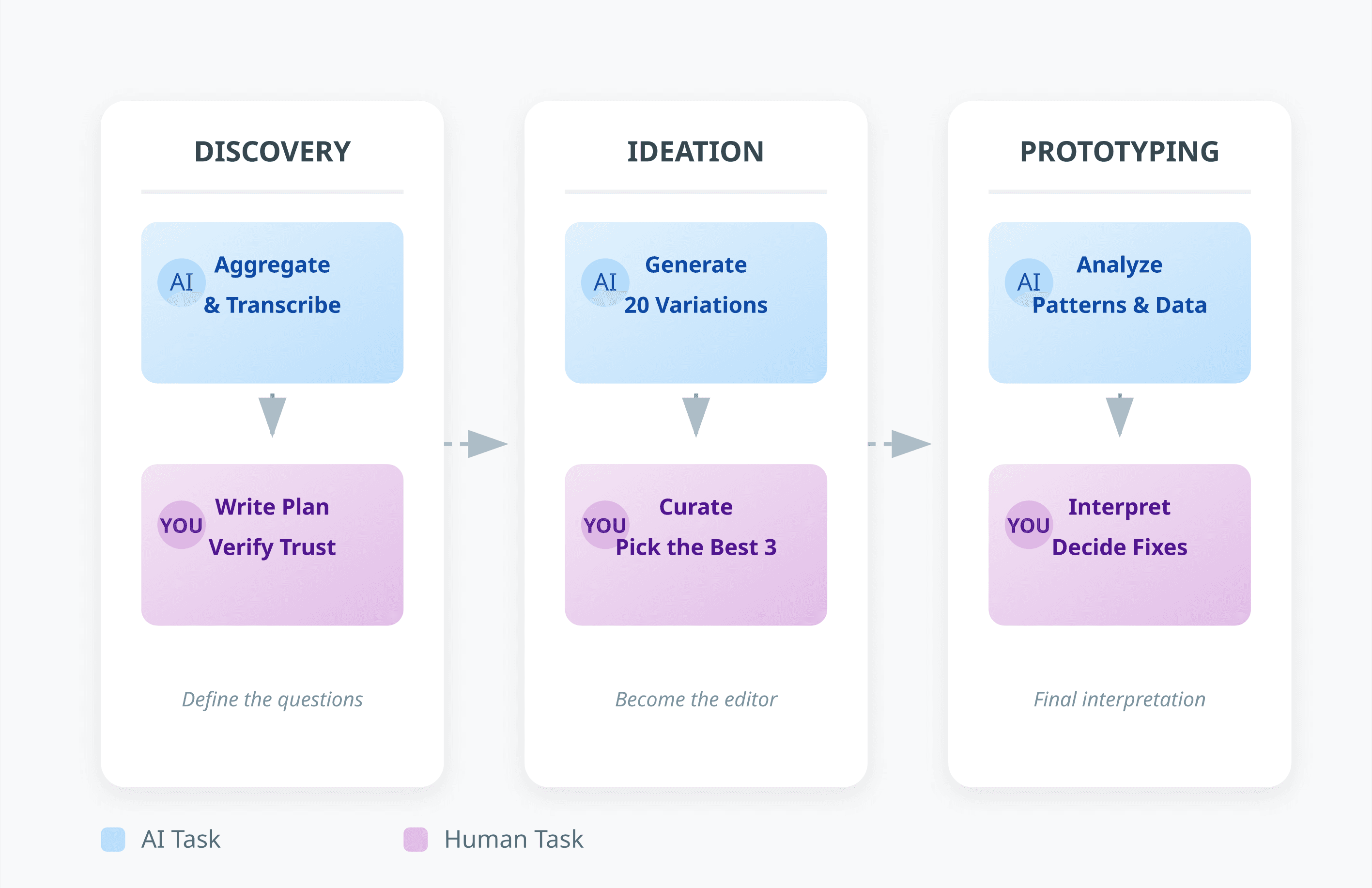
Don't just bolt AI onto your process. Redesign it.
Discovery is a good place to start. Use AI to aggregate surveys and transcribe calls. But you write the research plan. You decide what questions matter. AI gives you answers; you need to know which ones to trust.
During ideation, let AI generate twenty layout variations. Then you curate. You pick the three that make sense. You become an editor, not a factory worker.
Prototyping and testing see similar gains. Automated analysis highlights behavior patterns. AI generates test data. But the interpretation? The decision on what to fix? That stays with you.
The Risk of Over-Automation
Speed is not quality. That is the trap.
AI optimizes for the constraints you give it. If you tell it to minimize friction in a checkout flow, it might strip out information that users need to feel confident. The design tests well for conversion but quietly damages trust. Humans spot these trade-offs. We advocate for the long-term relationship.
Homogenization is a quiet risk. AI tools trained on existing patterns tend to produce work that looks like everything else. For brands trying to stand out, this is a problem. Distinctive work still comes from humans who draw on weird influences and intentional rule-breaking.
There's also the junior problem. If new designers lean on AI for concepts, they miss the painful process of learning to think. Generating ideas, killing the bad ones, and iterating is how you build intuition. If you outsource that to a model, you don't develop the muscle.
Tools Worth Looking At
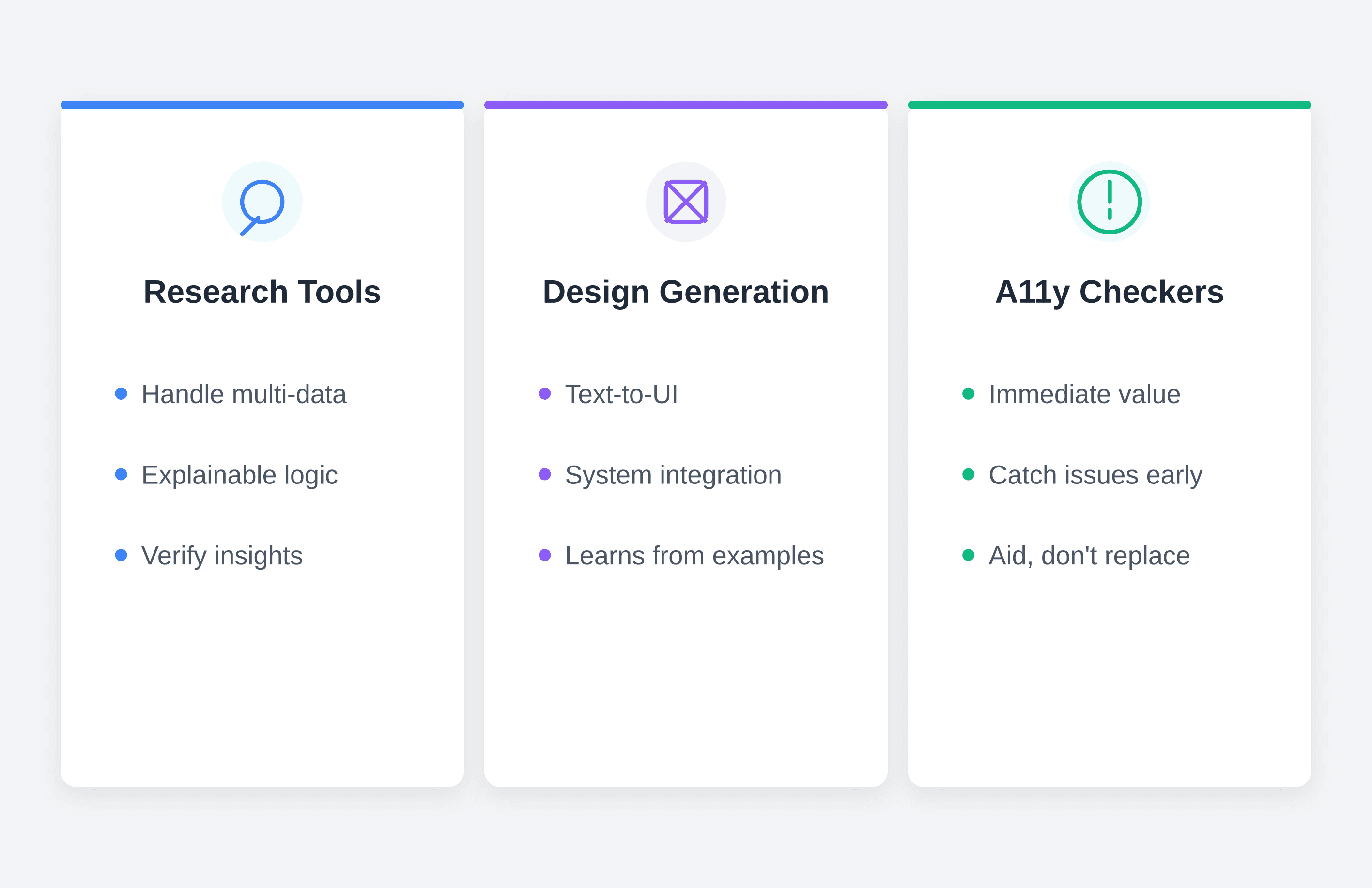
I won't list specific tools they change weekly. Look at categories instead.
Research tools have improved. Look for ones that handle multiple data types transcripts, surveys, behavioral data and show their reasoning. You want to verify the insight, not just trust the black box.
Design generation tools are hit-or-miss. Some are great at UI components from text. Judge them by how well they fit your existing system. The best ones learn from your examples.
Accessibility checkers offer immediate value. They catch issues before users do. But they don't replace manual testing with assistive tech.
When you evaluate a tool, ask: does this augment me, or does it promise to replace me? If it integrates with your stack and you can see how it works, it's worth a look.
Keeping Standards High
Integrating AI means changing your quality assurance.
Set hard checkpoints. AI can synthesize research, but the final report needs human eyes. AI can generate variations, but the final file needs human sign-off.
Document everything. Keep records of prompts and outputs. This helps with quality control and IP issues.
Train the team to critique the output. AI suggestions are often confident and wrong. Build in time to review.
The Business Case
Speed to market improves. An 8-week project might take 6. For a startup racing a runway, that matters.
Costs shift. You spend less on routine tasks. That often means you deliver more value for the same budget more research, better explored solutions rather than just cheaper work.
Team morale often goes up when the boring stuff goes away. Designers prefer strategy and collaboration over drudgery.
Looking Ahead
The tools will keep changing. The approach shouldn't.
Start small. Pick one phase of your process. Experiment. See what works.
AI is a means, not an end. The goal is better user outcomes. If the tool helps, keep it. If it doesn't, drop it.
At Brandhero Design, we've found the best approach is deliberate. The tools handle the volume. We handle the judgment. That partnership is the real opportunity right now.
If you're working through this whether building a team or looking for a design partner who understands the mess we'd love to talk. The right way to integrate AI depends on your specific context. And figuring that out takes a human.
Explore all blogs

Jun 18, 2026
Enhancing Customer Service Through UX Design & Strategic Audits
Enhancing Customer Service Through UX Design & Strategic Audits
Jun 16, 2026
User Insights: Unlocking Design Decisions with Data
User Insights: Unlocking Design Decisions with Data
May 31, 2026
User Experience Optimization: Boost Conversion & Retention
User Experience Optimization: Boost Conversion & Retention
May 31, 2026
User Experience Optimization: Fixing Friction for Growth
User Experience Optimization: Fixing Friction for Growth

May 11, 2026
Phone Number Chunking: Reduce Errors & Improve Conversion Rates
Phone Number Chunking: Reduce Errors & Improve Conversion Rates
May 9, 2026
Mastering Gating in UI/UX Design: Convert Without Pushing
Mastering Gating in UI/UX Design: Convert Without Pushing

May 7, 2026
Gestalt Laws Explain Visual Grouping for Designers
Gestalt Laws Explain Visual Grouping for Designers

May 6, 2026
Checklist for Evaluating Microinteractions in UX
Checklist for Evaluating Microinteractions in UX